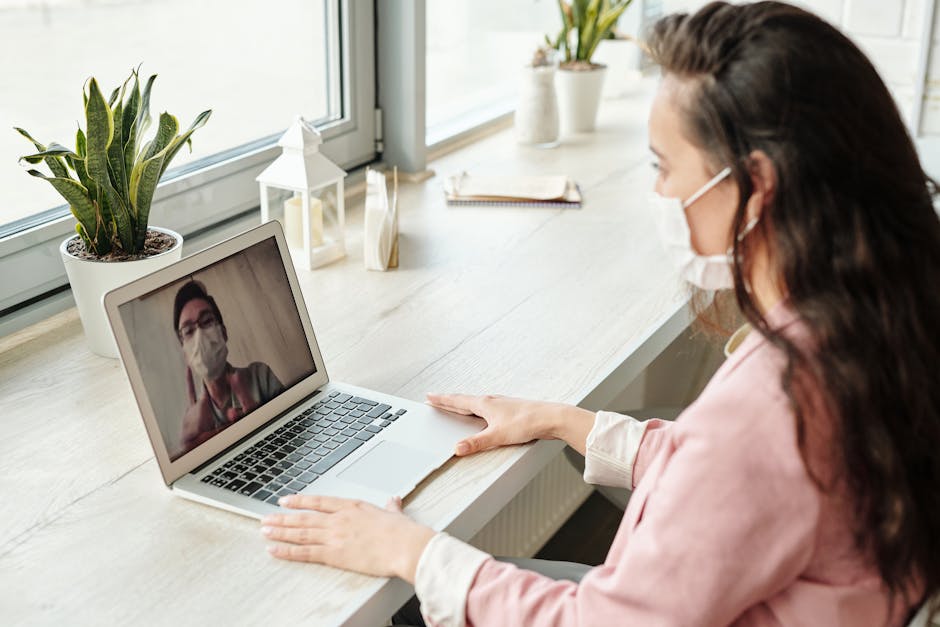
You are recovering from surgery in a country where you do not speak the language, and a pharmacist is handing you a box with instructions you cannot read. Your doctor sent a message through the clinic portal 20 minutes ago but you have not seen it because you left the hotel and lost wifi. Your family is waiting for a call you cannot make. Everything that could help you is on your phone. And your phone needs data to do any of it.
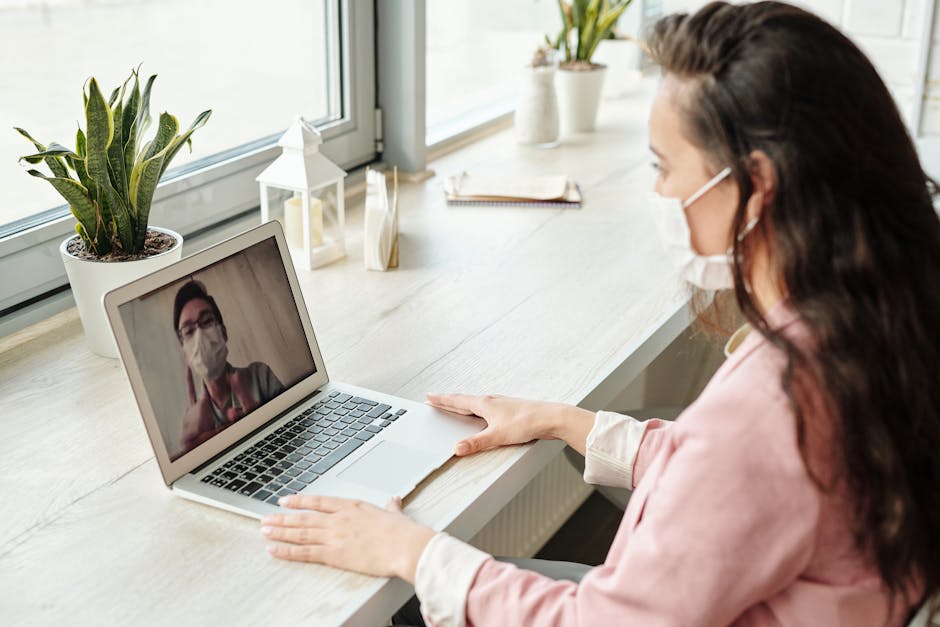
When I ran my hotel in Colombia, I watched medical tourists deal with this constantly. They had done all the hard research — found the surgeon, compared clinics, read the reviews, booked the flights. But once they landed, the day-to-day logistics of recovering in a foreign country came down to five or six apps on their phone. And every single one of those apps needed an internet connection to work.
Here are the five apps that matter most during a medical trip abroad, and how much data each one actually uses.
1. Google Translate — Your Pharmacist, Your Discharge Papers, Your Prescriptions
This is the one most people underestimate. You can get by with English in a lot of tourist areas. But medical situations are not tourist areas. Your discharge instructions are in Spanish, Turkish, Thai, or whatever the local language is. Your prescription uses generic drug names you have never heard of. The pharmacy label has dosage instructions you need to understand exactly, because getting medication wrong after surgery is not a small mistake.
Google Translate’s camera mode is what makes it useful for medical tourists specifically. You point your phone at the text — a prescription label, a hospital sign, a consent form — and it translates it live on screen. No typing, no copying, just aim and read.
Data usage: About 50 MB per camera translation session. The app downloads language models on the fly when you use it online. You can download languages for offline use (around 50 MB per language), but the offline translations are noticeably less accurate, and for medical documents you want the best accuracy you can get.
Daily usage for a medical tourist: 2-4 sessions per day during recovery, especially in the first few days. That is 100 to 200 MB just for translation.
2. WhatsApp — Your Lifeline to the Clinic
In most medical tourism destinations — Colombia, Thailand, Turkey, Mexico, Costa Rica — WhatsApp is how clinics communicate with patients. Not email. Not a portal. WhatsApp. Your surgeon’s assistant sends your follow-up schedule over WhatsApp. Your driver confirms your pickup over WhatsApp. Your clinic coordinator checks in on your recovery over WhatsApp.
This is also how you send photos of your surgical site to your doctor. They ask you to take a picture, you send it in the chat, they tell you if everything looks normal or if you need to come in. That back-and-forth happens multiple times during a recovery week.
Data usage: Text messages are tiny — under 1 MB each. Photos are 3 to 5 MB each. Voice messages are about 1 MB per minute. Video calls are the heavy hitter: 250 to 400 MB per 30-minute call, depending on connection quality. A video call with your surgeon to show them a surgical site is at the higher end because they need the image to be clear.
Daily usage for a medical tourist: 50 to 150 MB for messaging and photos. Add 250 to 400 MB for each video call. On days with a video consultation, WhatsApp alone can eat through 500 MB.
3. Google Maps — Getting to the Clinic, the Pharmacy, the Lab
A medical trip is not like a vacation where you wander and explore. You have appointments. The clinic is at one address, the pharmacy your surgeon recommended is at another, the lab for blood work is somewhere else. You are post-surgery, probably sore, maybe on medication that makes you foggy. You are not figuring out public transit from a paper map.
Google Maps gives you directions, estimated arrival times, and real-time traffic. It also shows you pharmacy locations, clinic hours, and reviews — which matters when your regular pharmacy is closed and you need a specific medication at 8pm.
Data usage: 5 to 10 MB per navigation session. That is light compared to video calls, but it is consistent — you use it every time you leave the hotel. Over a recovery week, it adds up to 50 to 100 MB. You can download offline maps to reduce this, but you lose real-time traffic and transit information, and you cannot search for businesses like pharmacies.
Daily usage for a medical tourist: 10 to 30 MB, depending on how many trips you take.
4. MyChart or Your Clinic’s Patient Portal App
A lot of established medical tourism clinics now use patient portal apps. MyChart is the most common in US-affiliated clinics, but many international clinics have their own. This is where your lab results appear, where your doctor leaves notes, where you check your appointment schedule, and where you can message your care team.
The critical thing about patient portals during a medical trip is timing. Lab results come in at unpredictable hours. Your doctor might update your medication based on a blood test result and send you a note at 6am. If you do not see that note until you find wifi at the hotel later that day, you might take the wrong dose in between. That is not hypothetical. I saw things like this happen.
Data usage: 20 to 50 MB per session. Mostly text and light graphics. Downloading imaging results (X-rays, CT scans) can spike to 50 to 200 MB per file, though most portals show a compressed preview first.
Daily usage for a medical tourist: 30 to 80 MB, with occasional spikes when imaging results come through.
5. Uber, Grab, InDrive, or Local Ride-Hailing
After surgery, you are not walking to the clinic. You are not negotiating with street taxis in a language you do not speak while you are in pain and on painkillers. You open an app, set the destination, and a car shows up. The price is fixed before you get in. The driver has the route. You do not have to talk, point, or argue.
Which app depends on the country. Uber works in Colombia, Mexico, Turkey, and parts of Southeast Asia. Grab covers Thailand, Malaysia, and the Philippines. InDrive is popular in Latin America and Central Asia. Some destinations have local-only apps. But they all work the same way, and they all need data.
Data usage: 10 to 20 MB per ride. The app loads the map, calculates the route, tracks the driver in real time, and processes payment. Light individually, but 2-3 rides per day during a recovery week adds up.
Daily usage for a medical tourist: 20 to 60 MB for 2-3 rides.
The Total: What Does a Medical Tourist Actually Need Per Day?
| App | Daily data (low estimate) | Daily data (high estimate) |
|---|---|---|
| Google Translate | 100 MB | 200 MB |
| WhatsApp (messages + photos) | 50 MB | 150 MB |
| WhatsApp (video call days) | 0 MB | 400 MB |
| Google Maps | 10 MB | 30 MB |
| Patient portal app | 30 MB | 80 MB |
| Ride-hailing | 20 MB | 60 MB |
| Total (no video call day) | 210 MB | 520 MB |
| Total (video call day) | 460 MB | 920 MB |
On a day with a video consultation, you are pushing close to 1 GB from medical apps alone. Add normal phone use — messaging family, checking news, maybe streaming something while resting — and 1 to 1.5 GB per day is realistic for a medical tourist.
Over a 7-day recovery trip, that is 7 to 10 GB. Over a 14-day trip with multiple video consultations, you are looking at 15 GB or more.
The Problem with “I Will Just Use Hotel Wifi”
None of these apps are useful only inside the hotel. Google Translate is most useful at the pharmacy. Google Maps is only useful on the move. Ride-hailing needs data at the pickup location. WhatsApp needs to work when you are sitting in the clinic waiting room, not just back in your room.
Hotel wifi gives you coverage in one building. A medical trip takes you across a city — clinic, pharmacy, lab, maybe a specialist in a different neighborhood. You need data that follows you, not data that stays behind at the hotel.
If you are planning a medical trip and want to make sure your phone works everywhere you need it to, our medical tourism connectivity guide covers data plans sized for exactly this kind of usage. eSIM plans for top medical tourism destinations: Turkey, Thailand, Mexico, Colombia, India.