
Last updated: July 6, 2026
Traveling to a football match abroad is one of those trips you plan for months — flights, tickets, group chats buzzing with logistics. Then you land in a foreign city, pull out your phone, and nothing works. WhatsApp is frozen. Your e-ticket app will not sync. Uber cannot find your location. You have four hours until kickoff and no way to coordinate with the group, navigate to the stadium, or even confirm your seat.
I have seen versions of this play out constantly. During my seven years running a hotel in Colombia, international guests arrived all the time for matches — Copa Libertadores games, national team qualifiers, club friendlies. The ones who assumed their phone would just work abroad were always the ones standing in the lobby asking for help. The ones with a working data connection walked straight out the door.
Key Takeaways
- Digital tickets, stadium navigation, ride-hailing, and group coordination all require mobile data — stadium Wi-Fi is unreliable with tens of thousands of users.
- A full match day abroad uses 500 MB to 1 GB of data, depending on photo and video sharing.
- An eSIM gives you a local data connection the moment you land — no SIM shops, no roaming charges, no waiting.
Your Match Ticket Is on Your Phone — and It Needs Data
Most major stadiums have moved to digital-only ticketing. Your match ticket lives inside an app that needs an internet connection to refresh and display the live QR code at the gate. Without data, the app cannot sync, and some venues will not accept a screenshot.
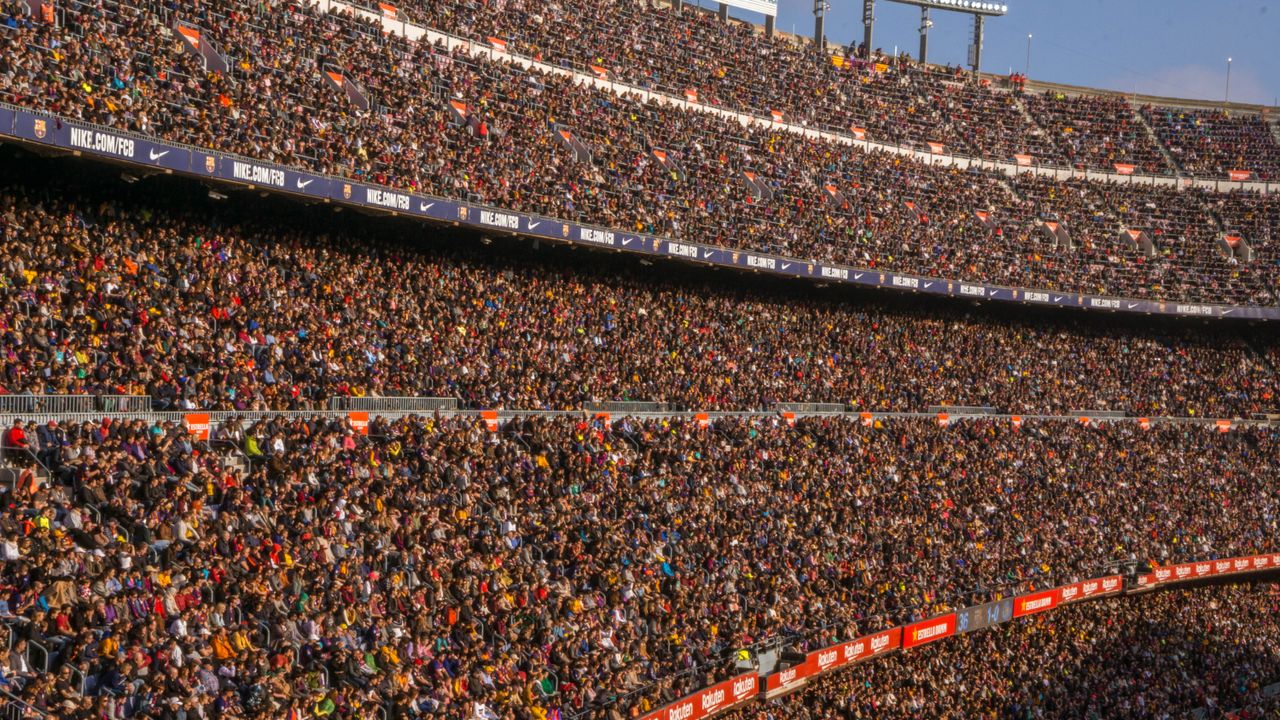
FIFA, UEFA, and most national leagues now require mobile entry. This works seamlessly when you are at your home stadium on your usual network. It becomes a problem when you are abroad, your phone has no data, and you are in a queue of 40,000 people trying to get through the gates before kickoff. I have watched guests at my hotel panic over exactly this — digital boarding passes, event tickets, reservation confirmations — all stuck behind a loading screen because their phone had no connection.
How Do You Get to the Stadium Without Data?
Short answer: with difficulty. Google Maps needs data for real-time navigation, live transit schedules, and traffic rerouting. Uber and Bolt need a constant connection to request a ride and track your driver. On match days, roads around stadiums are closed and public transport schedules change — without live data, you are guessing.
You can download offline maps, but they do not show live bus or metro times, and they do not adjust when a road is closed because of a fan march. If you are in a city where you do not speak the language — say you flew from London to Milan for a Champions League away day — trying to explain to a taxi driver where you need to go without a translation app or a working map becomes its own challenge.
Finding Your Group in a Crowd of 60,000
Without a working group chat, coordinating with friends at a stadium in a foreign city is almost impossible. You said Gate 14. But Gate 14 has 6,000 people standing around it, and the plan changed to “meet at the bar on the corner” — a message you never received because your WhatsApp has been frozen since you left the hotel.
WhatsApp is an internet-based app. It does not fall back to SMS. No data means no messages, no voice notes, no location pins. If your group is relying on WhatsApp to coordinate — and most football groups are — every person needs their own data connection.
Does Stadium Wi-Fi Actually Work?
Rarely well enough to rely on. Stadium Wi-Fi is shared among tens of thousands of people, which means speeds drop to nearly nothing during the match. Uploading a video to your story takes minutes. Sending a photo in a group chat times out. Mobile food ordering systems — increasingly common at modern stadiums — need a connection that actually works.
Your own mobile data, on a network that is not shared with 50,000 other people, is the only reliable way to stay connected inside a stadium. This is the same problem hotels face with lobby Wi-Fi — I saw it every day. Thirty guests on one access point, and nobody can load a page. A personal data connection always wins.
What Happens After the Final Whistle?
The match ends and 80,000 people pour out at once, all trying to call an Uber or find the metro. Without data, you cannot request a ride, check train times, or navigate back to your hotel. Post-match is when stadium areas get chaotic — streets packed, routes closed, transport rerouted. Having real-time navigation is the difference between getting home in 30 minutes and wandering for an hour.
This is especially true in cities you do not know well. Flying to Madrid for El Clásico or to London for a Premier League weekend is exciting — but navigating an unfamiliar city late at night after a match, with no working phone, is not.
How Much Data Does a Match Day Use?
A typical match-day trip — from leaving the hotel to getting back — uses more data than you might expect. Here is a realistic breakdown:
- Google Maps navigation (round trip): 20–50 MB
- Uber or Bolt (requesting + tracking): 10–20 MB
- WhatsApp messaging (texts, voice notes, photos): 50–150 MB
- Sharing photos and videos to social media: 200–500 MB
- Ticket apps (loading and refreshing): 5–15 MB
- Translation apps: 5–10 MB per session
- General browsing (scores, highlights, post-match reading): 50–100 MB
A full match day abroad can easily use 500 MB to 1 GB, depending on how much video you share. If you are attending multiple matches over several days — a tournament, a European away trip — plan for 3–5 GB to stay comfortable.
FIFA World Cup 2026: Three Countries, One Trip
The 2026 FIFA World Cup is being held across the United States, Mexico, and Canada, with matches spread across 16 cities. Fans following their team through the group stage might travel from Miami to Dallas to Mexico City in ten days.
That means crossing borders multiple times, dealing with different mobile networks in each country, and needing reliable data in cities you have never been to. A local SIM card does not make sense when you are changing countries every few days. International roaming charges from European carriers can hit €10 or more per gigabyte in North America.
A regional eSIM that covers the US, Mexico, and Canada on a single plan solves this. You activate it before you leave, it works across all three countries, and you do not need to think about it again. No SIM swapping at each border, no hunting for a phone shop in a city you are only in for 48 hours.
Beyond the World Cup: Football Travel Never Stops
Football travel does not stop between tournaments. Champions League away days happen every week from September to June. Fans fly from Manchester to Milan, from Lisbon to Munich, from Istanbul to Madrid. Premier League trips are a growing tourism segment — people travel from all over the world to see a match at Anfield or the Emirates. Copa Libertadores takes fans across South America. International friendlies, qualifiers, and cup finals pull people to cities they have never visited.
Every one of these trips has the same pattern: you need your phone to work the moment you land, and you need it to keep working until you get back to your hotel after the match.
What an eSIM Changes
An eSIM is a digital SIM built into most modern phones. You buy a data plan online, install it before your trip, and your phone connects to a local network the moment you land. No physical SIM to buy or swap. No airport kiosk queues. No roaming charges.
You set it up at home. When you land, you turn it on and you are connected. Your ticket app loads, your maps work, your group chat is live, and you can call an Uber from the arrivals hall. By the time you reach the stadium, everything on your phone just works. For a football trip abroad, that is the difference between a smooth day and a stressful one.
Need data for your next away day? Worldcitisim eSIMs activate the moment you land — pick your destination and you are covered.
Frequently Asked Questions
Does stadium Wi-Fi work well enough to skip buying data?
Almost never. Stadium Wi-Fi is shared among tens of thousands of people. It might handle basic text messaging, but uploading photos, using navigation apps, or loading ticket apps will be unreliable. Your own mobile data connection is far more dependable.
Can I just use offline maps to get to the stadium?
Offline maps are a useful backup, but they do not show live transit times, traffic conditions, or road closures — all of which are common on match days. They also do not work with ride-hailing apps like Uber or Bolt, which require a live connection.
How much data do I need for a football trip abroad?
For a single match day, plan for 500 MB to 1 GB. If you are staying several days and attending multiple matches, 3–5 GB covers most use cases comfortably, including social media, navigation, and group coordination.
Will an eSIM work at the FIFA World Cup across the US, Mexico, and Canada?
Yes. Regional eSIM plans cover multiple countries on a single plan. For the 2026 FIFA World Cup, a North America eSIM means you stay connected across all three host countries without switching SIM cards at each border.
Do I need to remove my regular SIM to use an eSIM?
No. Most modern phones support dual SIM — your regular SIM stays active for calls and texts from your home number, while the eSIM handles mobile data in the country you are visiting. Both work simultaneously.
What if my phone does not support eSIM?
Most phones released since 2019 support eSIM, including all recent iPhones and Samsung Galaxy devices. Check your phone’s settings under “Cellular” or “Mobile Data” — if you see an option to add a plan or eSIM, your phone supports it.
Related Reading
- The WhatsApp Problem: Your Group Chat Won’t Work Without Data
- Will Google Maps Work Without Wi-Fi Abroad?
- The Dual-SIM Trick: Keep Your Home Number and Get Local Data
- Do You Need Data at Airport Immigration?
Is an eSIM better than buying a local SIM at the airport?
For football travel, yes. A local SIM means finding a shop, waiting in line, swapping your physical SIM, and potentially losing your home number. An eSIM is installed before you leave and works the moment you land — no queues, no SIM tray, no downtime. If your trip spans multiple countries, a regional eSIM also saves you from buying a new SIM at each border.