

Last updated: 20 November 2026
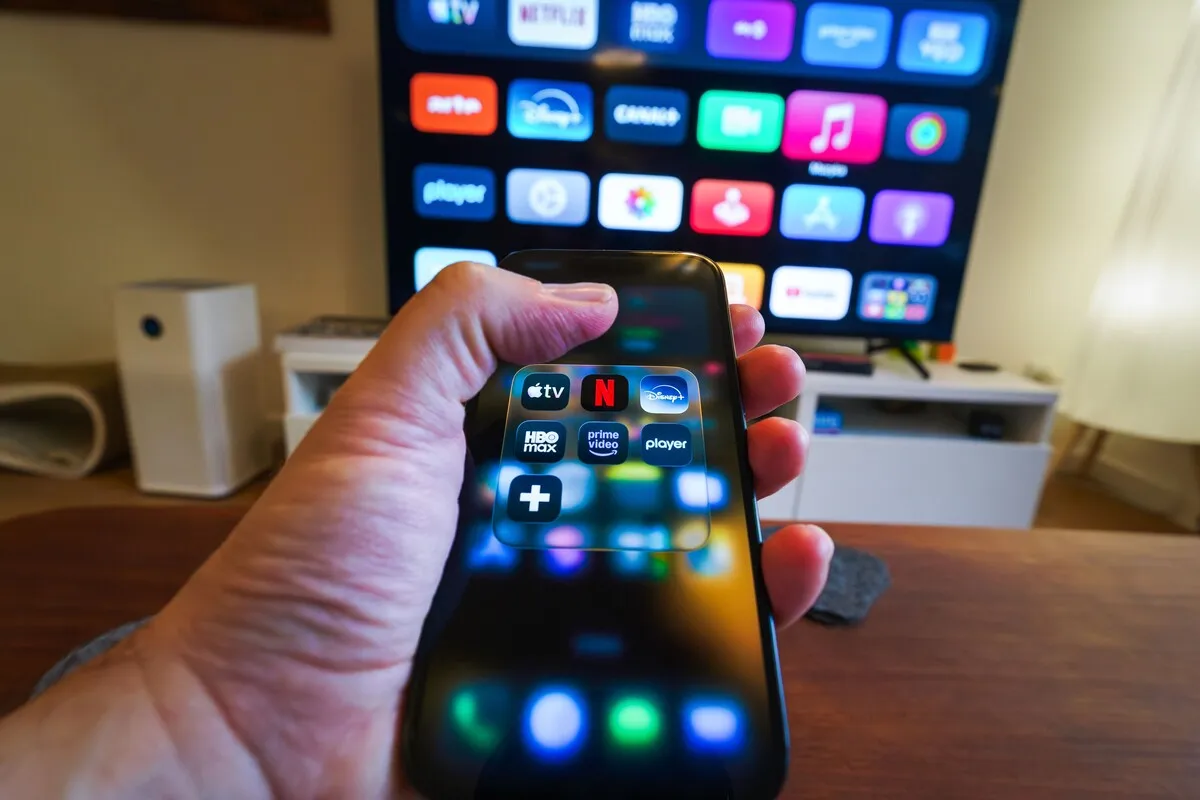
Netflix downloads abroad do not always play. Netflix’s own help page says titles you downloaded may not be available in a different country, because shows are licensed country by country. Spotify downloads have a different catch: the app has to go online at least once every 30 days, and free accounts can only be used abroad for about two weeks. Both problems are easy to avoid if you know them before the flight.
This guide covers why downloads stop working abroad, how to prepare them, and how much data streaming uses when you do have a connection.
Key Takeaways
- Netflix downloads can be blocked in another country if the title is not licensed there. Check them after you land, while you still have a connection.
- Spotify downloads need the app online once every 30 days. Free accounts are limited abroad to around 14 days.
- Streaming on mobile data adds up fast: Netflix in HD can use up to 3 GB an hour. Download on Wi-Fi before you leave.
Do Netflix Downloads Abroad Still Play?
Sometimes. Netflix’s help page on using the service outside your home says currently downloaded titles on your phone or tablet may not be available while in a different country. If a show is not licensed where you are, Netflix will not play it, even though the file is on your phone.

You usually find out when you open the app abroad and it checks your downloads. Some titles play normally; others show an error such as “This title is not available to watch in your area” (Netflix lists this as error 22004). The download is not deleted. It plays again once you are back in a country where it is licensed and the app has checked in.
Netflix originals are generally available in every country Netflix operates in, so they are the safest choice for a trip. Licensed films and series from other studios are the ones most likely to be missing.
Why Do Netflix Downloads Expire?
Because each download is a licence, not a copy you own. Netflix says downloads expire after a period of time, and some titles can only be downloaded a limited number of times per year. When a download expires, you renew it by deleting it and downloading it again, which needs a connection.
There are also limits on how many downloads you can hold. Netflix says ad-free plans can have up to 100 active downloads at a time per device, and ad-supported plans are limited to 15 downloads per device per calendar month. On an ad-supported plan, a family downloading for a long-haul flight can hit that ceiling quickly.
- Download close to departure, so the expiry clock starts as late as possible.
- Prefer Netflix originals for anything you plan to watch in another country.
- Open the app once after landing, on Wi-Fi or data, so it can check your downloads while you can still fix them.
Does Spotify Work Abroad?
Premium works abroad without a time limit, according to Spotify’s community moderators, and downloads play offline as long as the app checks in once every 30 days. Spotify’s help page states it directly: you need to go online at least once every 30 days to keep your downloads.

Spotify abroad on a free account is different. Spotify’s help pages say free users can use Spotify abroad for up to 14 days, after which the app asks you to update your account country or upgrade to Premium. Free accounts also cannot download music, only podcasts, so a flight with Spotify Free means streaming or silence.
Premium lets you download up to 10,000 tracks on each of up to five devices. You download playlists and albums, not single songs, so put the songs you want into a playlist first.
Why Did My Downloads Disappear Abroad?
Usually because the app could not check in, or because the content is not licensed where you are. Spotify removes downloads if the app has been offline for more than 30 days. Netflix hides downloads it cannot play in your current country, and deletes all of them if your account is cancelled.
Users on Spotify’s community forums also report downloads that stop playing a few days into a trip, often fixed by connecting and letting the app sync. Opening each app for a minute with a connection, once you land, catches most of these before they become a problem on the return flight.
How Much Data Does Streaming Use Abroad?
A lot for video, a little for music. Netflix’s help page lists up to 0.3 GB an hour on its lowest setting, up to 0.7 GB in standard definition and up to 3 GB an hour in HD. Spotify at normal quality uses roughly 40–70 MB an hour. So music streaming is realistic on a travel plan; video is expensive.
| Activity | Approximate data per hour | Better option |
|---|---|---|
| Netflix, low quality | Up to 0.3 GB | Set mobile data usage to “Save data” |
| Netflix, standard definition | Up to 0.7 GB | Download on Wi-Fi instead |
| Netflix, HD | Up to 3 GB | Wi-Fi only |
| Spotify, normal quality | About 40–70 MB | Fine on mobile data |
| Downloaded content | None | Check in online every few weeks |
In Netflix’s app settings, set mobile data usage to save data, so a forgotten episode on the bus does not eat a third of your plan. For a full picture of what each app uses, see how much data travel actually uses.
How Should You Prepare Downloads Before a Flight?
Download the day before, on home Wi-Fi, and test them in airplane mode. The test is the step most people skip, and it is the only way to know a download will open on the plane. Then plan one short connection after landing so both apps can check in.
- Update Netflix and Spotify at home.
- Download on Wi-Fi the day before you fly. Choose Netflix originals for the destination.
- Put your phone in airplane mode and open one episode and one playlist to check they play.
- On Netflix’s ad-supported plan, count your downloads against the monthly limit.
- After landing, open both apps once with a connection.
- Before the return flight, refresh anything that has expired.
Airport and in-flight Wi-Fi are the worst places to do this. They are slow, often blocked for video, and busiest exactly when everyone else had the same idea. A data plan that works from the moment you land lets the apps check in in the taxi rather than in the hotel lobby. The same preparation helps other apps: see Google Translate offline and Google Maps without data.
Frequently Asked Questions
Can I watch Netflix downloads in another country?
Often, but not always. Netflix says downloaded titles may not be available in a different country because licences vary by country. Netflix originals are the safest choice. A blocked download plays again once you are back where it is licensed.
Why do my Netflix downloads say not available in this country?
The title is not licensed where you are. The file is still on your phone, but Netflix will not play it there. It works again when you return to a country where the title is available and the app has checked in.
How long do Netflix downloads last?
Netflix says downloads expire after a period of time, which varies by title, and some can only be downloaded a limited number of times per year. Renew an expired download by deleting it and downloading it again with a connection.
How many downloads can I have on Netflix?
Ad-free plans allow up to 100 active downloads at a time per device. Ad-supported plans allow 15 downloads per device per calendar month. Deleting a download on an ad-supported plan does not give that month’s download back. Count before a long flight.
Does Spotify work abroad on a free account?
For up to about 14 days, according to Spotify’s help pages. After that you need to update your account country or upgrade to Premium. Free accounts can only download podcasts, not music. For a long trip, Premium is the simpler option.
Do Spotify downloads work offline abroad?
Yes, on Premium. Downloads play offline in any country, but the app must go online at least once every 30 days to keep them. Premium allows up to 10,000 tracks on each of up to five devices. Open the app with a connection now and then.
How much data does Netflix use per hour?
Up to 0.3 GB on the lowest setting, up to 0.7 GB in standard definition and up to 3 GB in HD, according to Netflix. On mobile data, set the app to save data or download on Wi-Fi instead. Spotify uses far less.
Why did my Spotify downloads disappear?
Most often because the app had not been online for more than 30 days, which removes downloads. Users also report downloads vanishing after changing their account country. Connect, open Spotify for a minute and download again if needed. Wi-Fi is best.
Cover photo: Pew Nguyen on Pexels.
Related Reading
- How Much Data Does Travel Actually Use?
- Google Translate Offline Abroad: What Works
- Google Maps Without Data Abroad: What Works
- Train Wi-Fi in Europe: What to Expect
So your apps can check in on arrival, a Worldcitisim travel eSIM connects the moment you land, before the hotel Wi-Fi.