

Last updated: 10 November 2026
Using your phone on a cruise ship costs very different amounts depending on where the ship is. At sea, your phone can connect to the ship’s own maritime mobile network, which most home plans charge at several dollars a minute. In port, it joins a local network on normal roaming terms. The bill shocks come from mixing the two up.
Most of the cost risk on a cruise sits in two phone settings, and both take a minute to change. This guide covers what happens to your phone at sea, what changes in port, and the settings that keep your bill at zero.
Key Takeaways
- At sea, your phone can roam onto the ship’s maritime network. Carriers bill it separately from normal roaming, and most roaming passes do not cover it.
- Airplane mode with Wi-Fi on is the safe setting from the moment the ship leaves port.
- In port, you are on land networks. A prepaid travel eSIM covers the port day without the risk of a surprise bill.
Does Your Phone on a Cruise Ship Connect at Sea?
Yes, and that is the problem. Most large cruise ships carry their own mobile network, run by maritime operators such as Cellular at Sea or Wireless Maritime Services. Once the ship is out of range of land masts, your phone can connect to it automatically, the same way it joins a foreign network when you land somewhere.
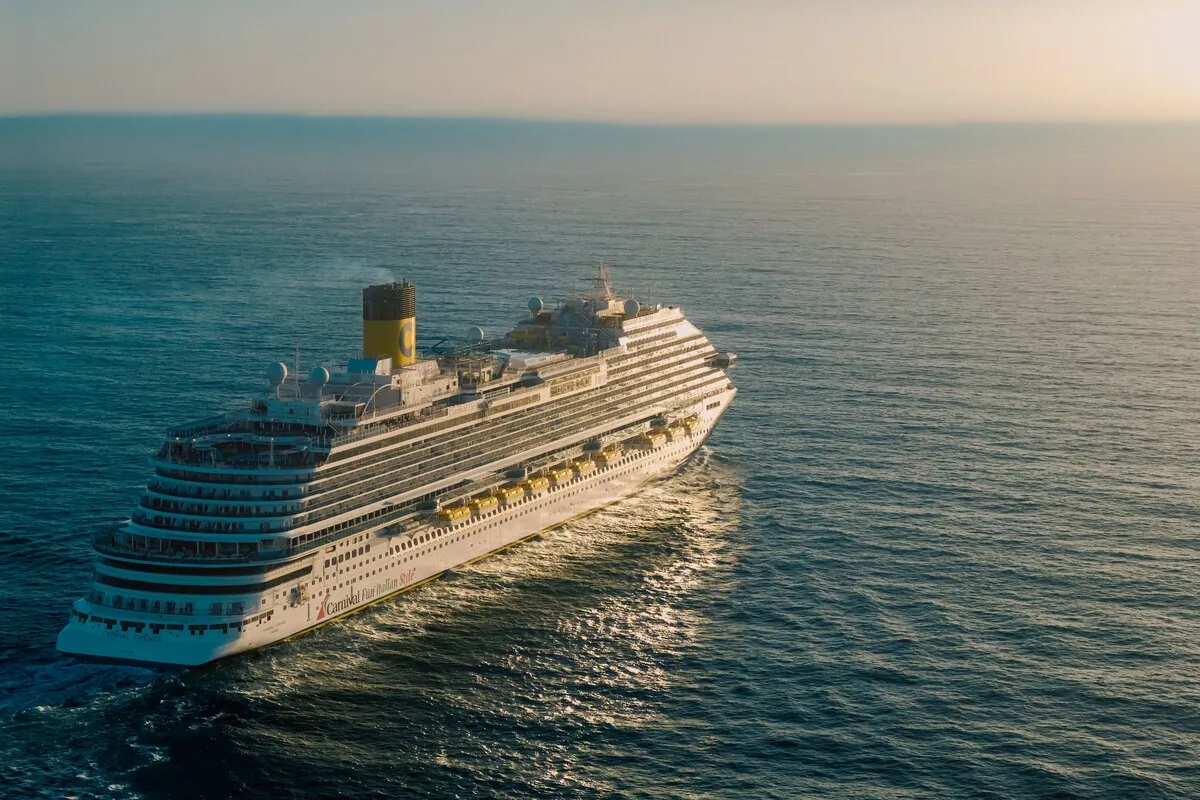
Your home carrier treats that network as a separate, expensive roaming zone. Published carrier rates and recent cruise guides put calls at roughly 3 to 7 US dollars a minute, texts at 50 cents or more, and data at prices measured per megabyte rather than per gigabyte. Background app updates and photo backups can run up a large bill without you touching the phone.
Check your own carrier’s maritime rates before you sail, because they vary and change. But assume that your normal roaming plan does not apply at sea. Many day passes, such as Verizon’s TravelPass, exclude maritime networks.
How Do You Avoid Cruise Ship Roaming Charges?
Turn on airplane mode when the ship leaves port, then turn Wi-Fi back on if you have bought the ship’s internet package. Airplane mode switches off the phone’s mobile connection, so it cannot attach to the maritime network. Wi-Fi works independently, so messaging apps still run over the ship’s internet.
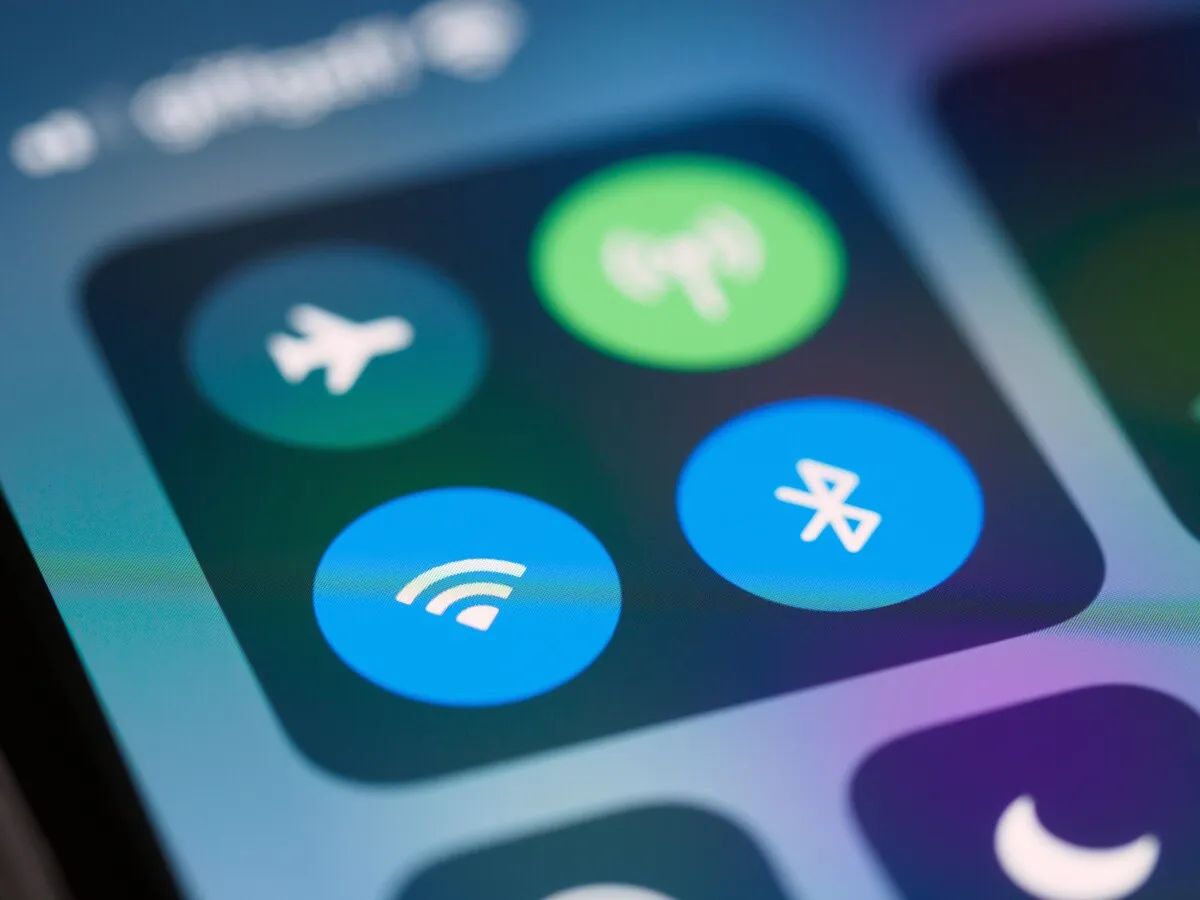
- Before you board, turn off automatic app updates and photo backup over mobile data.
- When the ship sails, switch on airplane mode.
- Turn Wi-Fi back on if you have the ship’s internet package, or leave it off.
- Leave airplane mode on for every sea day, not just the first.
- Turn it off in port only after the ship has docked and your phone shows a local network.
Turning off data roaming alone is not enough. It stops data, but calls and texts can still go through the maritime network, and an incoming call you answer can be charged too. Airplane mode stops all of it.
A ship close to the coast can also reach land networks, especially in harbours and narrow channels. Your phone may jump between a land network and the ship’s network as the ship sails. Airplane mode removes that guesswork.
Is Cruise Ship Wi-Fi Worth Paying For?
It depends on how much you need to be reachable at sea. Ships now offer packages from messaging only to full streaming, usually priced per day. For WhatsApp messages and the odd photo, the cheapest tier is often enough. For video calls or work, you need a higher tier, and speeds vary with the ship and the route.
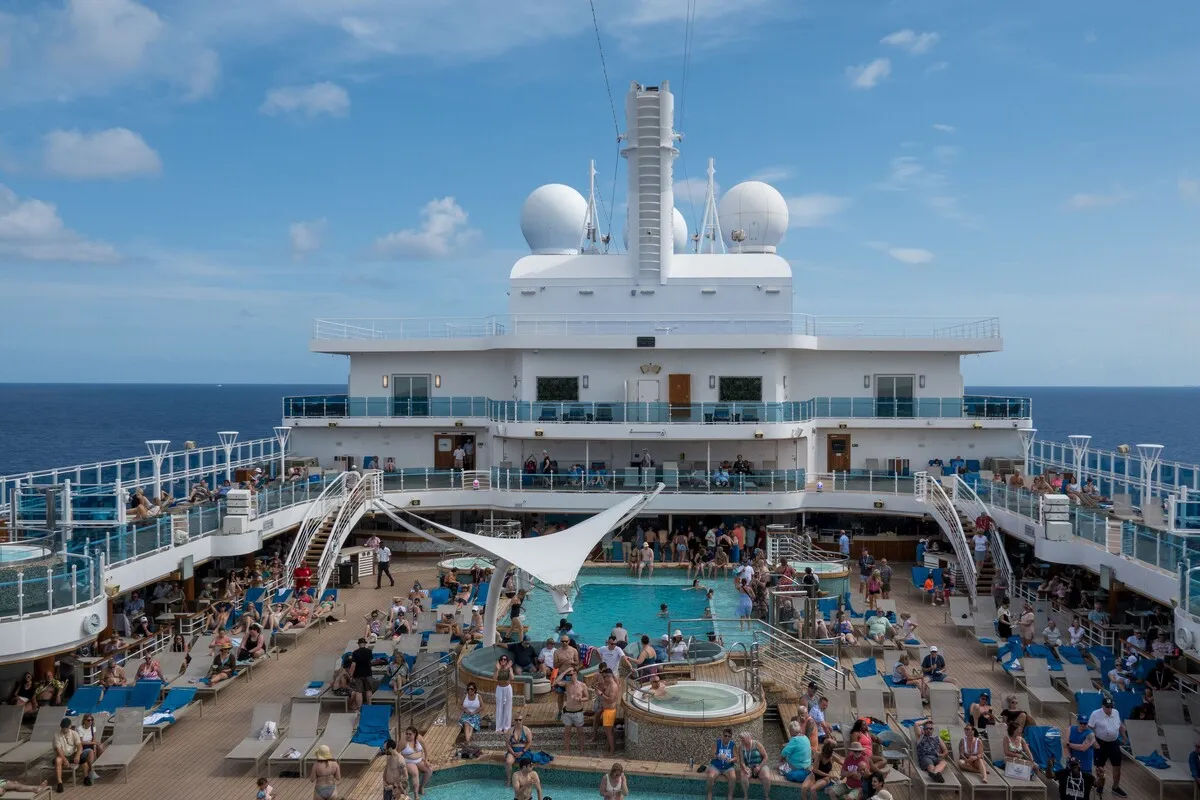
Ship Wi-Fi is the only way to be online at sea without maritime roaming. Treat it as the sea-day connection and plan the port days separately, because land networks in port are faster and usually much cheaper.
What Happens to Your Phone in Port?
It connects to a land network in that country, and your normal roaming rules apply. In an EU port with an EU plan, that means roaming at home prices. In the Caribbean, Mexico or Turkey, your home carrier’s roaming rates for that country apply, which can be expensive.

A port day is short and busy. You need maps to get from the pier into town, a way to book a taxi back, and a way to reach the group if someone is late for the tender. All of that runs on mobile data, and the ship’s Wi-Fi does not reach you ashore.
On multi-country itineraries, a regional eSIM covers every port with one plan. A Caribbean cruise might call at four or five countries in a week. A Caribbean eSIM or a Europe eSIM for the Mediterranean avoids buying a local SIM at each stop.
Can You Use an eSIM on a Cruise?
Yes, for port days, and it removes the risk of a surprise bill. A prepaid travel eSIM can only use the data you have already paid for. Install it before the cruise, set it as your data line, and turn off data roaming on your home line, so your home carrier cannot charge you for anything.
At sea, keep airplane mode on as usual and use the ship’s Wi-Fi. The eSIM is for the days your ship is in port.
Keep your home line switched on for calls and texts in port if you want, with its data roaming off. Bank codes still reach you. The dual SIM setup explains how to run both lines at once.
How Much Data Do You Need for Cruise Port Days?
Less than you think, usually 300 MB to 1 GB per port day. Maps, a ride app, messages and a few photos sent to family add up to a few hundred megabytes. Video calls and uploading video push it up. A week-long cruise with four port days fits comfortably in a small regional plan.
| Where you are | Network your phone uses | Safe setup |
|---|---|---|
| At sea | Ship’s maritime network | Airplane mode on, Wi-Fi on if you bought it |
| Near the coast | Land or ship network | Airplane mode on |
| Docked in port | Local land network | Airplane mode off, data on your travel eSIM |
| Back on board | Ship’s maritime network | Airplane mode on again before sailing |
Save the offline map for each port while you still have Wi-Fi on board. Google Maps without data covers what works offline and what does not. For a broader sense of what apps use, see how much data travel actually uses.
Frequently Asked Questions
Does my phone work on a cruise ship?
Yes. Many ships run their own maritime mobile network, and your phone can connect to it automatically at sea. Home carriers charge it as a separate roaming zone, often several dollars a minute for calls and much more for data than land roaming.
Should I put my phone in airplane mode on a cruise?
Yes, whenever the ship is at sea. Airplane mode stops calls, texts and data over the maritime network. You can turn Wi-Fi back on to use the ship’s internet package. Switch airplane mode off once the ship has docked. Do it every sea day.
Is turning off data roaming enough on a cruise?
No. It stops mobile data, but calls and texts can still go through the ship’s network and be charged. Airplane mode is the only setting that blocks all three. An incoming call you answer at sea can be charged too, so switch on airplane mode as the ship sails and leave it on until you dock.
Does my roaming plan cover the cruise ship?
Usually not at sea. Most roaming passes and EU roaming rules apply to land networks only, not maritime networks. Check your carrier’s maritime rates before you sail. In port, your normal roaming terms for that country apply. Many day passes exclude maritime networks explicitly.
Can I use WhatsApp on a cruise ship?
Yes, over the ship’s Wi-Fi. Many ships sell a cheaper messaging-only package. Turn on airplane mode first, then Wi-Fi, so WhatsApp uses the ship’s internet and not the maritime mobile network. Messages and voice notes work well on most messaging packages; video calls usually need a higher tier.
Does an eSIM work on a cruise ship?
Yes, for port days. Install it before you sail and switch it on once the ship has docked. At sea, keep airplane mode on and use the ship’s Wi-Fi. Because it is prepaid, a travel eSIM cannot create a surprise bill.
How much data do I need for a cruise?
About 300 MB to 1 GB per port day for maps, ride apps, messages and photos. Sea days use the ship’s Wi-Fi. A week-long cruise with four port days fits in a small regional plan. Add more if you plan video calls from port.
What happens if I forget airplane mode at sea?
Your phone may connect to the maritime network and use data in the background. Turn on airplane mode as soon as you notice and check your carrier’s app for charges. Some carriers send a text when you join a maritime network.
Cover photo: Carlo Jünemann on Pexels.
Related Reading
- Google Maps Without Data Abroad: What Works
- The Dual SIM Trick: Keep Your Home Number
- How Much Data Does Travel Actually Use?
- What Your Phone Does at a Border Crossing
For port days, a Worldcitisim regional eSIM covers every stop on one plan and, being prepaid, cannot run up a bill.