
Last updated: 13 November 2026
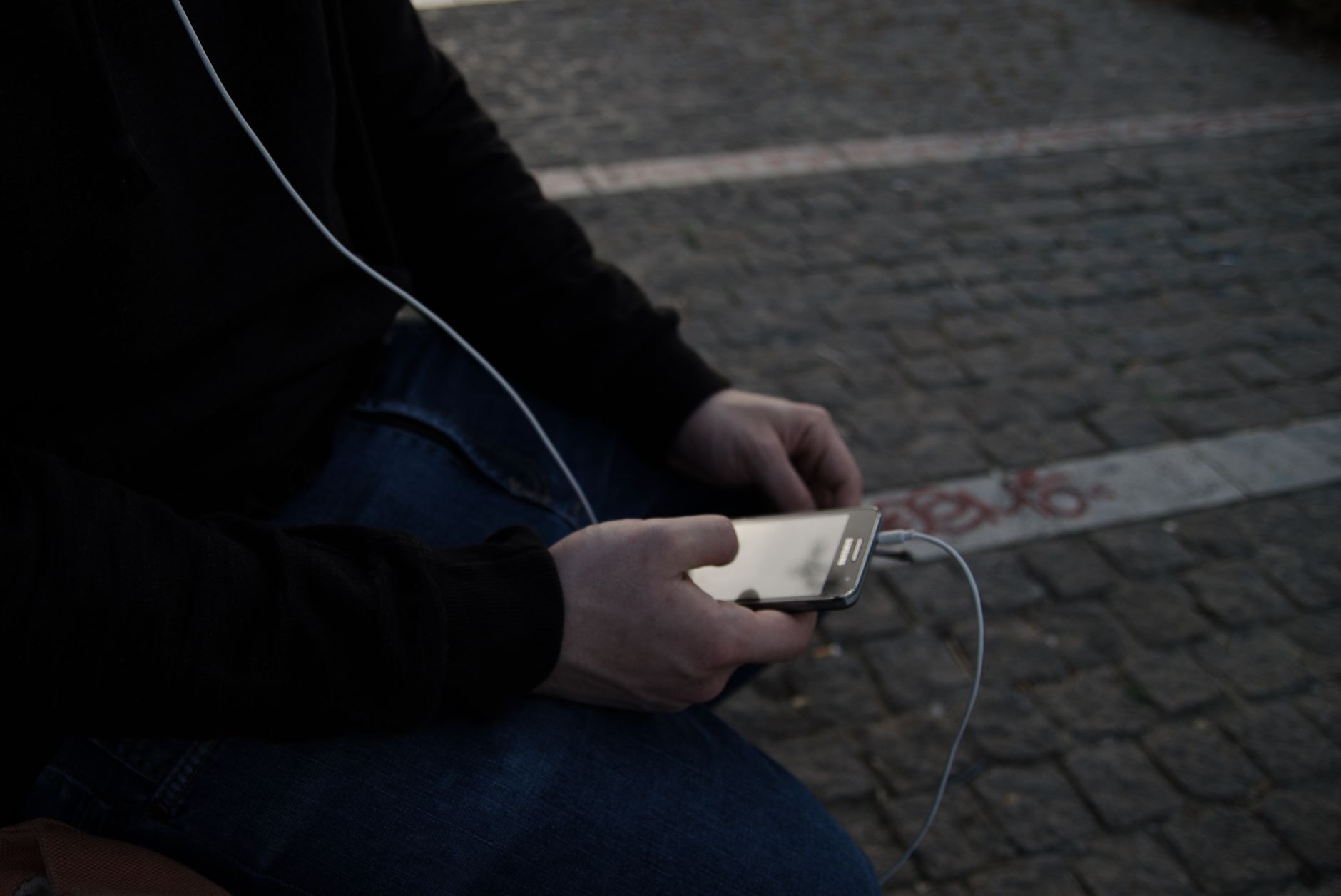
With a phone stolen abroad, the first hour matters more than anything you do afterwards. Lock the phone remotely, stop your SIM from receiving your bank’s codes, and secure your email before you think about getting the phone back. The phone itself is replaceable. The accounts it opens are the real risk.
This guide gives the steps in order, what to set up before you travel, and how to get back online the same day.
Key Takeaways
- Lock before you erase. Lost Mode on iPhone or a remote lock on Android keeps the phone locked and trackable. Erasing ends tracking.
- Call your carrier to suspend the SIM. A thief with your SIM can receive your bank’s SMS codes.
- Turn on theft protection before you leave home. Stolen Device Protection on iPhone and Theft Detection Lock on Android only help if they were already on.
Phone Stolen Abroad: What Should You Do First?
Lock it remotely, then suspend your SIM. Borrow a phone or laptop, sign in to Find My at icloud.com/find for an iPhone or go to android.com/lock or Google’s Find Hub for Android, and mark the phone as lost. Then call your carrier and ask them to suspend the line. Do both before anything else.

- Mark the phone as lost. On iPhone, Lost Mode locks it, shows a message with a contact number and suspends Apple Pay cards. On Android, remote lock does the same job.
- Suspend your SIM. Call your carrier’s international support line. If someone has your SIM, they can receive the SMS codes your bank and email send.
- Change your email password. Your email can reset every other account, so it comes first.
- Freeze your cards in your bank’s app or by phone, even if they were only in Wallet.
- Report it to the police and keep the report number for insurance.
Do not try to recover the phone yourself, even if Find My shows it a few streets away. Give the location to the police instead.
Should You Erase a Stolen Phone Right Away?
No. Erasing is the last step. Once a phone is erased you can no longer see its location, and you lose the chance of it turning up. Keep it locked and trackable while there is any hope of recovery, and erase it only when you are sure it is gone or if it holds data you cannot risk.
An erased iPhone stays tied to your Apple Account through Activation Lock, so the thief cannot set it up as their own. Do not remove the phone from your account after erasing it, because that removes Activation Lock too.
Can You Track a Stolen Phone Without Internet?
Often, yes. Apple says its Find My network can locate devices that are not connected to the internet, using Bluetooth signals picked up by other Apple devices nearby, and for supported models even when the phone is switched off. Google’s Find Hub uses a similar network of Android devices.

The weak point is usually your side, not the phone’s. To see the location you have to sign in on another device, and that sign-in may ask for a code sent to the phone that was just stolen. Set up a way in that does not depend on that phone before you travel: a trusted second device, a recovery key kept somewhere safe, or a trusted phone number that belongs to someone you travel with.
How Do You Protect Your Phone Before You Travel?
Turn on the theft protection your phone already has. On iPhone, Stolen Device Protection asks for Face ID or Touch ID for sensitive actions when the phone is away from familiar places, and adds an hour’s delay before someone can change your Apple Account password. Apple notes it must be on before the phone is lost.
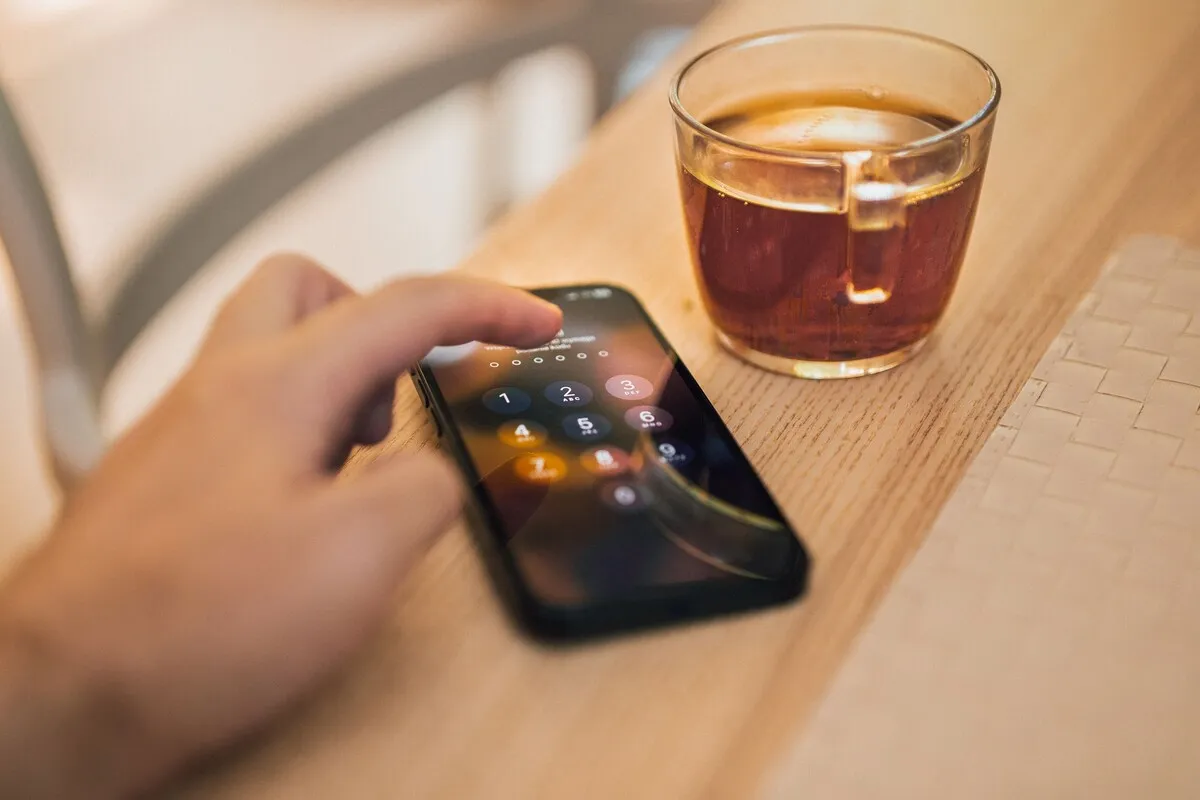
- iPhone: Settings, Face ID & Passcode, Stolen Device Protection. Also check that Find My and Find My network are on.
- Android: turn on Theft Detection Lock, which locks the screen if it detects a snatch-and-run, plus Offline Device Lock and Find Hub.
- Both: use a six-digit passcode or longer, never a pattern someone can watch you draw on a busy train.
- Write down your carrier’s international support number and your bank’s card-block number on paper.
- Back up your phone the night before you fly.
The habit that prevents most thefts is boring: keep the phone out of your back pocket, off café tables near the street and away from the edge of open-top bus seats.
How Do You Get Back Online After Your Phone Is Stolen?
Buy a phone locally or use a spare, then install a travel eSIM for data so you can sign back in to your accounts. You cannot get your home SIM replaced from abroad with most carriers, but you do not need it for data. You need it only for SMS codes, which is why your recovery options matter.
An eSIM can be installed in minutes from a QR code or a link, with no shop visit. Once you are online, sign in to your email first, then your banking app, then messaging. WhatsApp sends a code to your number when you register it on a new phone, so it may have to wait until your carrier restores the line. The bank side is covered in banking apps abroad.
If your bank only sends codes by SMS to the stolen number, call them. Most banks have a way to verify you by phone when you are abroad without your SIM, though it takes longer.
Does Travel Insurance Cover a Stolen Phone?
Sometimes, with conditions. Many travel policies cover phones only up to a low single-item limit, exclude phones left unattended and require a police report within a set time, often 24 hours. Read your policy’s gadget section before you go, and get the police report even if you are unsure you will claim.

| When | What to do | Why |
|---|---|---|
| Before you travel | Turn on theft protection, note support numbers, back up | Protection only works if it was on |
| First 15 minutes | Mark as lost, suspend SIM | Stops codes reaching the thief |
| First hour | Change email password, freeze cards | Email resets everything else |
| Same day | Police report, new phone, travel eSIM | Insurance and getting back online |
| Later | Erase only if recovery is hopeless | Erasing stops tracking |
Once you have a working phone, the apps you rely on most need setting up again. Offline maps and translation languages both need downloading again on the new device.
Frequently Asked Questions
What do I do first if my phone is stolen abroad?
Mark it as lost from another device using Find My or Find Hub, then call your carrier to suspend the SIM. After that, change your email password, freeze your cards and report the theft to the police for insurance. Do the first two within minutes.
Can a thief use my SIM to get my bank codes?
Yes, if the SIM is still active and the SIM PIN is off. They can move the SIM to another phone and receive your SMS codes. Ask your carrier to suspend the line straight away, and set a SIM PIN before you travel.
Can I track my stolen iPhone if it is offline?
Often, yes. Apple’s Find My network uses nearby Apple devices to report an offline iPhone’s approximate location, and supported models can be found even when switched off. It must be turned on before the theft. Check that Find My network is switched on before you travel.
Should I erase my stolen phone?
Not straight away. Erasing stops location tracking. Keep the phone locked in Lost Mode while recovery is possible, and erase it only once you are sure it is gone. Activation Lock still protects an erased iPhone. Do not remove the phone from your account afterwards.
What is Stolen Device Protection on iPhone?
An iPhone setting that asks for Face ID or Touch ID for sensitive actions away from familiar places, and adds an hour’s delay before changes such as your Apple Account password. It only works if you turned it on before the phone was stolen.
Can I get a replacement SIM while abroad?
Rarely, with most carriers. Some can send an eSIM to a new phone after verifying you. For data you do not need your home SIM at all: a travel eSIM gets you online the same day so you can recover your accounts.
Do I need a police report for a stolen phone abroad?
For insurance, almost always. Many policies require a report within a set time, often 24 hours. Some banks and carriers also ask for the report number. Get one even if you are unsure you will claim. Keep a photo of it on another device.
How do I log in to my accounts without my phone?
Use recovery options that do not depend on the stolen phone: a second device, recovery codes or a trusted number. Set these up before you travel. If your bank only uses SMS, call them to verify another way. Expect it to take longer.
Cover photo: Julia Sakelli on Pexels.
Related Reading
- Banking App Abroad: SMS Codes and Blocked Cards
- The Dual SIM Trick: Keep Your Home Number
- Google Maps Without Data Abroad: What Works
- Changing Your Phone Number Abroad
Back online fast: a Worldcitisim travel eSIM installs on a new phone in minutes, so you can recover your accounts the same day.