
Worldcitisim · Hop Cities, Not SIM Cards
Roam Free.
Stay Connected.
You land, scan a QR code, and you’re online. No SIM card shop. No roaming bill. No waiting.
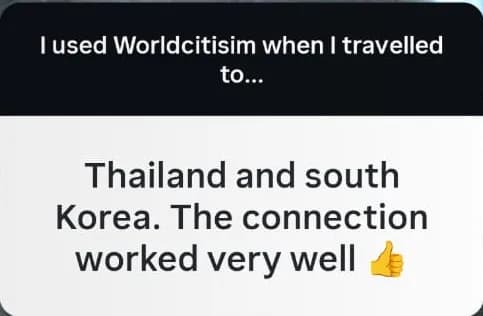
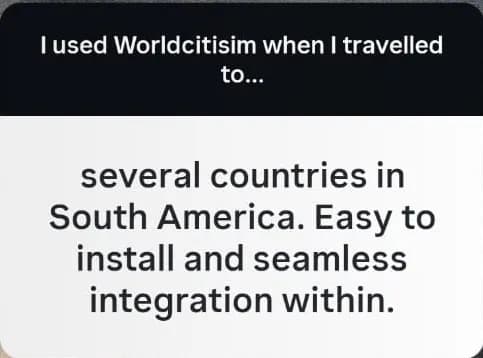
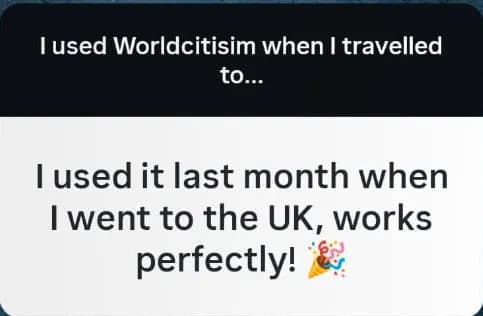
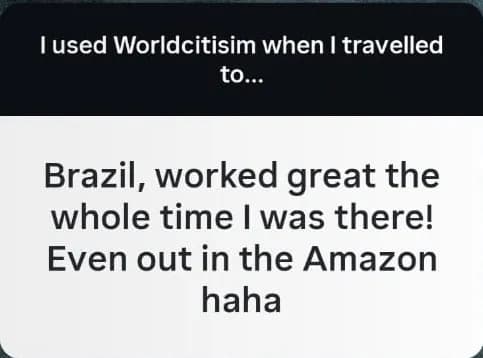
What travelers say
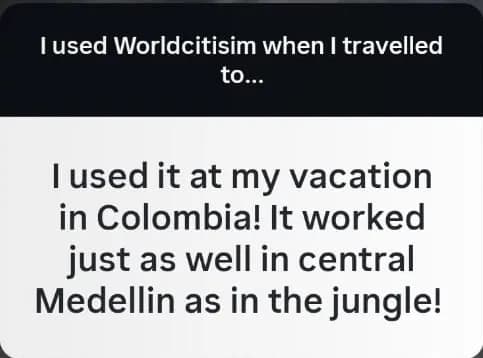
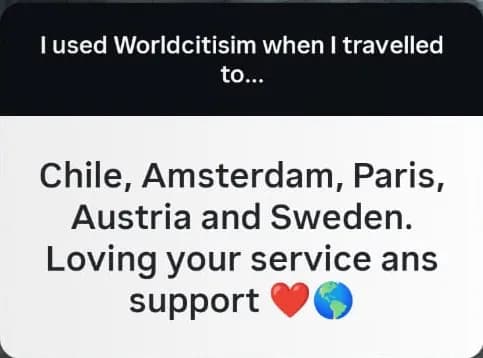
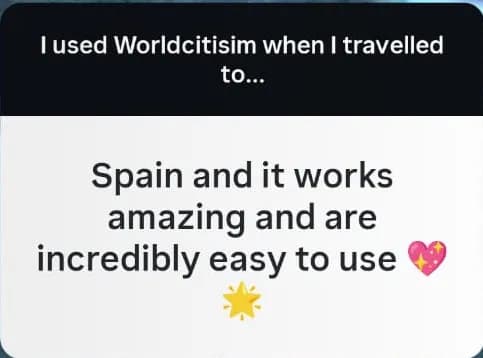
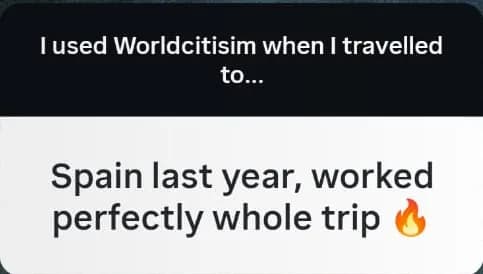
How It Works
- 1
Pick your destination
Choose your country. We match you with the best local network.
- 2
Scan the QR code
Install in 60 seconds. No app download needed.
- 3
Land and connect
Your eSIM activates the moment your phone finds a tower.
Popular Destinations
View All →Travel Guides
Everything you need to know about staying connected — eSIM setup, data tips, and local network coverage.
Where Will You Go?
From my journey to yours

I’m Swedish. I ran a hotel in Colombia for 7 years. Now I live in Spain. I know what travelers need because I’ve been on both sides — as the guest hunting for WiFi and the host watching guests struggle with roaming. That’s why I built Worldcitisim: one scan, you’re connected.
— Isabella Liebgott, Founder & CEO
Trusted by


One eSIM. 174 Countries.
Wherever you go, we’ve got you covered.
Common Questions
All FAQs →How fast is the setup?
Under 60 seconds. Scan the QR code we email you, and you're ready before your flight lands.
Will my phone work with an eSIM?
Most phones since 2022 — iPhone XS and later, Pixel 3+, Samsung Galaxy S20+. Here's how to check in 10 seconds:
iPhone
- Open Settings → Cellular (or Mobile Data)
- Look for "Add eSIM" or "Set Up Cellular"
- If you see it, your phone supports eSIM
Android
- Open Settings → Network & internet → SIMs
- Look for "Add eSIM" or a "+" button
- If you see it, your phone supports eSIM
Quick check (any phone)
- Open your dialer and type *#06#
- If you see an EID number, your phone supports eSIM
Do I need to download an app?
No. Your eSIM installs through your phone's settings. No app required.
What if it doesn't work?
100 % money-back within 30 days. If your eSIM doesn't activate, you get a full refund — no questions asked.
Ready to stay connected?
Get Your eSIM →