
Last updated: August 18, 2026
Keeping your doctor updated during recovery abroad is one of the most important — and most overlooked — parts of planning a medical trip. You had your procedure in Turkey, Colombia, Mexico, or Thailand. Now you are in a hotel room recovering, and your surgeon says you look fine. But your doctor back home wants to see the surgical site. They want photos. Maybe a video call. They want to review the local surgeon’s notes. And none of this works without a reliable data connection on your phone.
I ran a hotel in Colombia for seven years — a country that is one of the world’s top destinations for cosmetic and dental procedures. I saw medical tourists regularly. They would arrive a day or two before their surgery, recover at the hotel for a week or two afterward, and spend much of that time on their phones — sending updates to family, talking to their home doctor, and researching their recovery questions. The ones without their own data were constantly at the front desk asking for the Wi-Fi password, looking for a spot with better signal, and stressing about dropped calls.
Key Takeaways
- Telemedicine apps, medical photo sharing, video consultations, and patient portals all need internet. Without data, you cannot communicate with your home doctor during recovery abroad.
- Hospital and hotel Wi-Fi is unreliable for medical communication — your own mobile data gives you a private, stable connection you can use from anywhere.
- Recovery is the period when you need connectivity most. Complications, medication questions, and follow-up scheduling all happen in the days after your procedure.
Why Does Your Home Doctor Need Updates After Surgery Abroad?
Your local doctor is the one who manages your care long-term. Even if your procedure was performed by an excellent surgeon abroad, your home doctor needs to know what was done, what medications you were prescribed, and how your recovery is going — because they are the one who handles any complications after you return.
Many home doctors want updates during recovery, not just after. They may ask you to send photos of the surgical site every few days so they can monitor healing remotely. They may want to review the operative report or pathology results. If something looks unusual — unexpected swelling, discoloration, drainage — they want to see it immediately so they can advise whether it is normal or whether you need to go back to the clinic.
This communication happens through apps. Telemedicine platforms, patient portals, WhatsApp messages to your doctor’s office, email with attached photos, video calls. All of it requires internet.
What Medical Apps and Tools Need Data?
Nearly every tool you use to communicate with your doctor or manage your recovery needs an internet connection. Without data, these stop working:
- Telemedicine platforms (Teladoc, Doctolib, KRY, Babylon) — video and chat consultations need data
- Patient portals (MyChart, NHS App, Patient Access) — viewing results, messaging your doctor, checking appointments
- Photo sharing — sending high-resolution photos of your surgical site via WhatsApp, email, or a secure medical app
- Video calls with your home doctor — FaceTime, WhatsApp, Zoom
- Pharmacy and medication apps — checking interactions, refill reminders, finding nearby pharmacies
- Health insurance apps — filing claims, pre-authorization, checking coverage abroad
- Translation apps — communicating with local medical staff if they do not speak your language
How Do You Send Surgical Site Photos to Your Doctor?
Your doctor needs clear, well-lit photos of the surgical site taken at the same angle each time so they can track changes over the days of your recovery. Most doctors accept photos via WhatsApp, secure email, or their patient portal upload function. Some clinics abroad use their own app for post-op photo monitoring.
A single high-resolution phone photo is about 3–8 MB. Sending three or four photos in a WhatsApp message uses roughly 15–30 MB. That is nothing in data terms — but it requires a connection at the moment you need to send them. If your doctor asks for photos in the morning and you have no data until you get to a café with Wi-Fi, you lose hours. With post-surgical monitoring, time matters.
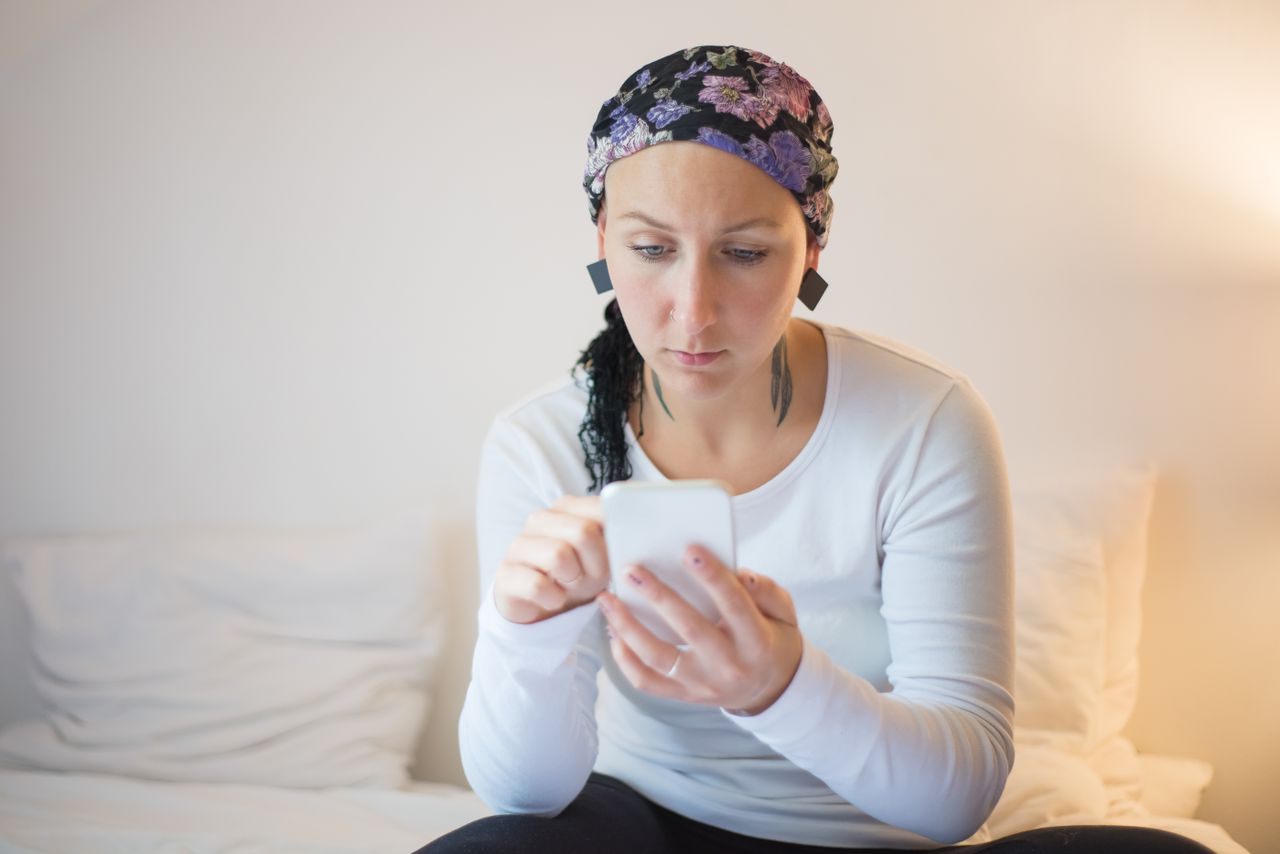
Having your own data connection means you can take the photo in your hotel room, send it immediately, and get feedback within the hour — without leaving the room or getting dressed, which matters a lot when you are recovering from surgery.
Why Hospital and Hotel Wi-Fi Are Not Enough for Medical Communication
Hospital Wi-Fi in many medical tourism destinations is unreliable. Clinics in Turkey, Colombia, Mexico, and Thailand vary widely — some have excellent connectivity, others have guest Wi-Fi that cuts in and out or requires a new login every hour. You do not want your telemedicine video call dropping because the clinic’s guest network timed out.
Hotel Wi-Fi has the same problems. It is shared bandwidth, often weak in rooms (where you spend most of your recovery time), and sometimes requires re-authentication. Privacy is another concern — medical information sent over a shared network is less secure than on your own mobile data connection.
When you are recovering from a procedure and your doctor asks for a video call to check how things are healing, you need a connection that works right then. Not one that requires walking to the lobby or waiting for the hotel router to reconnect.
Which Countries Are Popular for Medical Tourism?
The top medical tourism destinations — and the ones where you are most likely to need reliable connectivity for recovery communication:
- Turkey: Dental work, hair transplants, cosmetic surgery. Istanbul is one of the world’s busiest medical tourism hubs.
- Colombia: Cosmetic surgery, dental work. Bogotá, Medellín, and Cartagena. I lived there for seven years — the medical tourism infrastructure is well-developed, but hotel Wi-Fi quality varies enormously.
- Mexico: Dental work, bariatric surgery. Tijuana, Los Algodones, Cancún, Mexico City.
- Thailand: Cosmetic surgery, dental, gender-affirming care. Bangkok’s Bumrungrad is one of the most recognized medical tourism hospitals in the world.
- Spain: Fertility treatments (IVF), dental, cosmetic. I live here now — Spain is a major destination for UK and Northern European patients seeking fertility treatments.
- India: Cardiac surgery, orthopedics, fertility. Significant cost savings drive patients from the UK, US, and Middle East.
In all of these countries, 4G/LTE coverage in major cities is good. An eSIM connects you to the local network, giving you the same data speeds a local resident would have — far more reliable than guest Wi-Fi at a hotel or clinic.
What an eSIM Changes for Medical Tourists
An eSIM gives you your own data connection from the moment you land. You can communicate with your home doctor from your hotel bed, the clinic waiting room, or a pharmacy. You do not depend on anyone else’s Wi-Fi. Your first 48 hours of recovery — the period when complications are most likely to show up — are covered by a connection you control.
For something as important as medical recovery, the difference between having your own reliable connection and hoping the hotel Wi-Fi holds up is not a small thing. It is the difference between getting advice from your doctor in minutes and waiting hours until you find a working connection.
Planning a medical trip? Worldcitisim eSIMs give you your own data connection from the moment you land — so you can focus on your recovery, not on finding Wi-Fi.
Frequently Asked Questions
Can I do a telemedicine appointment from abroad?
Yes, most telemedicine platforms work internationally as long as you have an internet connection. Some services have geographic restrictions — certain providers only offer consultations within specific countries — but apps like Teladoc, Babylon, and KRY allow international use. Check with your provider before traveling.
How much data does a telemedicine video call use?
A 15-minute video consultation uses about 150–250 MB depending on the platform. Voice-only consultations use about 10–15 MB for 15 minutes. If you are sending photos separately, add 15–30 MB per batch of three to four images.
Is it safe to send medical photos over WhatsApp?
WhatsApp uses end-to-end encryption, which means the photos are encrypted in transit and only visible to you and the recipient. Many doctors accept photos via WhatsApp for post-operative monitoring. However, if your doctor’s practice uses a dedicated patient portal, that is the more clinically standard option.
Will my health insurance app work abroad?
Yes, if you have an internet connection. Insurance apps need data to load your policy details, file claims, check coverage, and communicate with support. Without data, you cannot access your insurance information. Some insurers also require photos of receipts uploaded within 24–48 hours of treatment.
Can my home doctor access medical records from a clinic abroad?
Not automatically. Medical records are not shared between systems internationally. You will likely need to request your operative report, lab results, and imaging from the clinic abroad, then share them with your home doctor yourself — via email, patient portal upload, or during a follow-up appointment. Having data makes this transfer much easier to manage while still abroad.
What if I have a complication after surgery abroad?
Contact the clinic where your procedure was performed first — they know what was done and can assess whether you need to come back in. Simultaneously, reach out to your home doctor with photos and details. Both conversations need a phone with internet access. If you are in a medical emergency, call local emergency services (data not required for emergency calls).
How much data do I need for a one-week medical tourism trip?
For daily doctor communication (photos, messages, one video call), plus general use (maps, messaging, browsing), plan for 3–5 GB over a week. If you are making multiple video calls per day, a 5–10 GB plan gives you more room. Voice-only calls and photo sharing use much less data than video.