

Last updated: 17 November 2026
WhatsApp abroad works on any internet connection, and your account stays tied to your home number whichever SIM gives you data. What catches travellers out is the verification code: if WhatsApp asks you to register again while you are away, it sends that code by SMS or phone call to your home number.
I ran a hotel in Colombia for seven years and now live in Spain, two countries where WhatsApp is the normal way to reach a business, not just friends. This guide covers what keeps working abroad, what needs your home SIM, and how much data calls use.
Key Takeaways
- Your WhatsApp number does not change when you use a travel eSIM or Wi-Fi for data. Contacts see your usual number.
- Verification codes go to your home number by SMS or call. Avoid reinstalling or switching phones during a trip.
- Voice calls use about 30–40 MB an hour; video calls about 700–750 MB. Messages barely register.
Does WhatsApp Work Abroad?
Yes, over any internet connection. WhatsApp sends messages and calls over data, not over your carrier’s calling network, so it works on hotel Wi-Fi, a café’s Wi-Fi or mobile data from any SIM. Calls to other WhatsApp users are free apart from the data they use, wherever both of you are.
The part that is not free is the data, if it comes from your home carrier’s roaming. Outside the EU roaming zone, roaming data can cost far more than the app’s usage would suggest. A local or travel eSIM for data, with your home line’s data roaming off, keeps WhatsApp running at local prices.
WhatsApp is also blocked or restricted in a few countries, most notably China, where you need a different approach. In most of the world it works normally.
Do You Keep Your WhatsApp Number With a Travel eSIM?
Yes. WhatsApp is registered to your phone number, not to the SIM that provides your data. Once your account is set up on your phone, you can switch data to a travel eSIM, or remove your home SIM completely, and WhatsApp keeps working with your usual number. Your contacts see no difference.
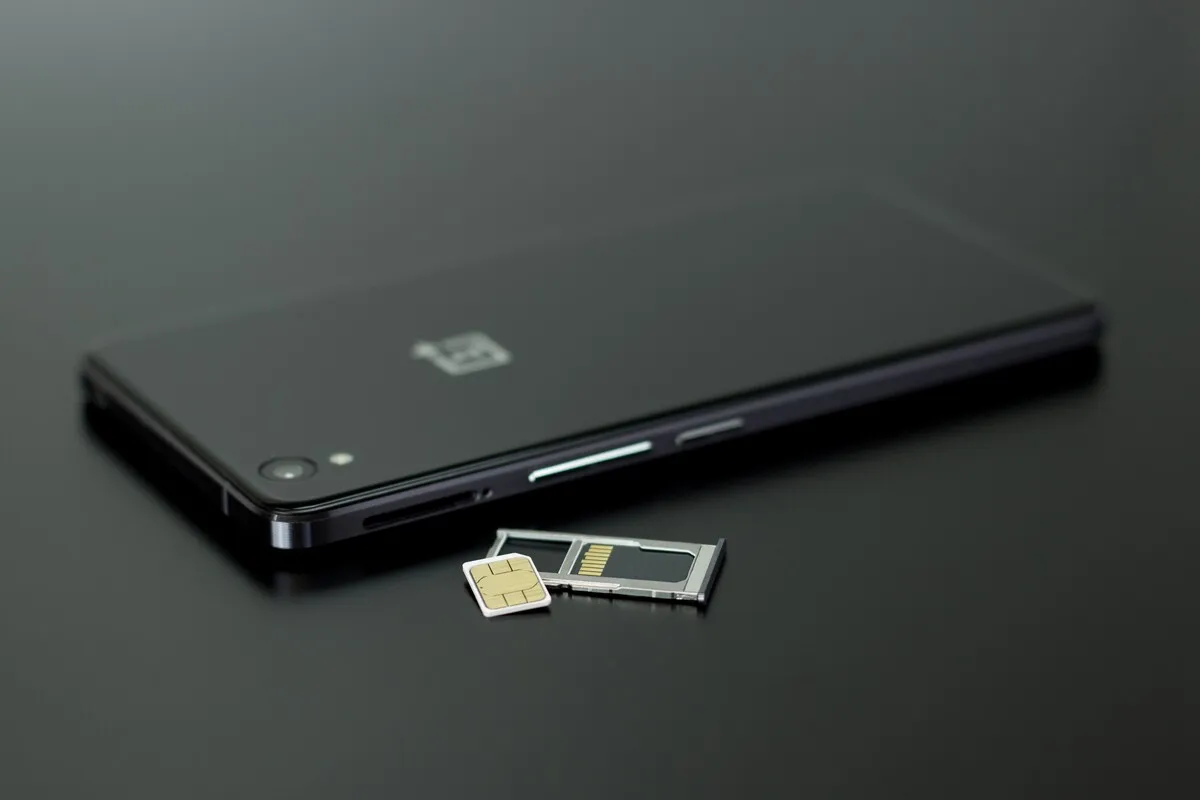
The account only needs your home number again if WhatsApp asks you to verify it. That happens when you install WhatsApp on a new phone or reinstall the app. As long as you avoid those during the trip, you will not be asked.
On a dual-SIM phone, the cleanest setup is your home line on for calls and SMS with its data roaming off, and the travel eSIM for data. The dual SIM trick walks through the settings.
Why Is My WhatsApp Verification Code Not Arriving Abroad?
Because it goes to your home number, which may not receive texts abroad. WhatsApp’s help centre says travellers may have trouble getting a registration code because of roaming or connectivity, and that you must be able to verify your number by SMS or phone call. If your home SIM is off or not roaming, the code cannot reach you.
- Turn on roaming on your home line just long enough to receive the code. WhatsApp notes this may cost extra with your carrier.
- Choose the call option. WhatsApp says its automated system should leave a voicemail with the code if you cannot answer.
- Use email if you added one. WhatsApp offers email as a way to re-register only if you added an email address to your account beforehand.
- Use WhatsApp Web or a linked device you already set up, to keep reading and sending messages until you can verify again.
Before you travel, open WhatsApp’s settings, add an email address to your account and turn on two-step verification. Both take two minutes and give you a way back in that does not depend on your SIM.
How Much Data Does WhatsApp Use Abroad?
Very little for messages, more for calls. Text messages use around 5–10 MB an hour of active chatting. A voice call uses about 30–40 MB an hour. A video call uses roughly 700–750 MB an hour, so a daily 15-minute video call home adds up to more than a gigabyte over a week.
| What you do | Approximate data | Tip |
|---|---|---|
| Text messages | 5–10 MB per hour | Negligible on any plan |
| Voice notes | About 15 MB per hour of notes | Fine on mobile data |
| Voice call | 30–40 MB per hour | Lighter than most people expect |
| Video call | 700–750 MB per hour | Use Wi-Fi for long calls |
| Photos and videos received | Varies | Turn off auto-download on mobile data |
The setting that saves the most is media auto-download. Busy group chats send photos and videos all day, and WhatsApp downloads them by default. Go to Settings, Storage and Data, and set auto-download on mobile data to photos only, or nothing. More detail on calls is in video calls abroad.
Can You Call Local Numbers With WhatsApp Abroad?
Only if they also use WhatsApp. WhatsApp calls go to other WhatsApp accounts, not to ordinary phone lines. Many businesses abroad, especially in Spain, Latin America and much of Asia, use WhatsApp as their main contact, so you can often message a restaurant, a tour operator or a hotel there directly.
For a landline, a hospital or an emergency number, you need a normal phone call through a mobile line. Keep your home line able to make calls, and remember that 112 works from any phone in the EU and in many other countries.
How Should You Set Up WhatsApp Before You Travel?
Do the account settings at home, while your home SIM still receives texts. Most WhatsApp problems abroad come from something that needs verifying, and that is easy at home and hard once you have landed. Ten minutes of settings before the flight saves hours of chasing a code abroad.
- Update WhatsApp at home, so you are not prompted mid-trip.
- Add an email address to your account and turn on two-step verification.
- Back up your chats to iCloud or Google Drive.
- Link WhatsApp Web or a tablet as a backup device if you travel with one.
- Set media auto-download on mobile data to photos only.
- Install your travel eSIM and set it as the data line before you fly.
Do not reinstall WhatsApp or move it to a new phone during the trip unless you have to. If your phone is lost or stolen, see what to do when your phone is stolen abroad for the order of steps.
Frequently Asked Questions
Does WhatsApp work abroad without roaming?
Yes, on Wi-Fi or with data from a travel eSIM or local SIM. WhatsApp only needs an internet connection. You can keep roaming off on your home line and still use WhatsApp with your usual number. Contacts see no difference.
Will my WhatsApp number change with a new SIM abroad?
No. WhatsApp stays registered to your home number. Using a different SIM or eSIM for data does not change the number your contacts see, as long as you do not register WhatsApp with the new number. Your chats and groups stay as they are.
Why is WhatsApp not sending my verification code abroad?
The code goes by SMS or call to your home number, which may not receive texts abroad if the SIM is off or not roaming. Turn on roaming briefly, choose the call option, or use email verification if you added an email beforehand.
Are WhatsApp calls free abroad?
Calls to other WhatsApp users are free apart from the data they use. On Wi-Fi they cost nothing. On mobile data, a voice call uses about 30–40 MB an hour, so the cost depends on your data plan. Video calls use far more.
How much data does a WhatsApp video call use?
About 700–750 MB an hour. A 15-minute call uses around 175–190 MB. For long or daily video calls, use Wi-Fi where you can or switch to a voice call on mobile data. A week of daily 15-minute calls adds up to more than a gigabyte.
Can I use WhatsApp with my home SIM removed?
Yes, once your account is set up on the phone. WhatsApp keeps working on Wi-Fi or another SIM’s data. You will need the home SIM again only if WhatsApp asks you to verify your number. Keep the SIM somewhere safe during the trip.
Does WhatsApp work in China?
WhatsApp is blocked in mainland China on local networks and Wi-Fi. Check current guidance before travelling there, and agree another way to stay in touch with family before you leave. Messages sent before you arrive stay on your phone, but new ones will not come through on local connections.
Can I call a landline with WhatsApp abroad?
No. WhatsApp calls only reach other WhatsApp accounts. For landlines, hospitals and emergency numbers you need a normal mobile call. 112 works from any phone across the EU and in many other countries. Keep your home line able to make calls for that reason.
Cover photo: Efrem Efre on Pexels.
Related Reading
- The Dual SIM Trick: Keep Your Home Number
- Video Calls Abroad: How Much Data They Use
- The WhatsApp Problem at Destination Weddings
- Banking App Abroad: SMS Codes and Blocked Cards
Keep your number, use local data: a Worldcitisim travel eSIM runs WhatsApp from the moment you land while your home line waits for its codes.